¶ Device Function and Control Guide
¶ Device Control
¶ Axis Movement
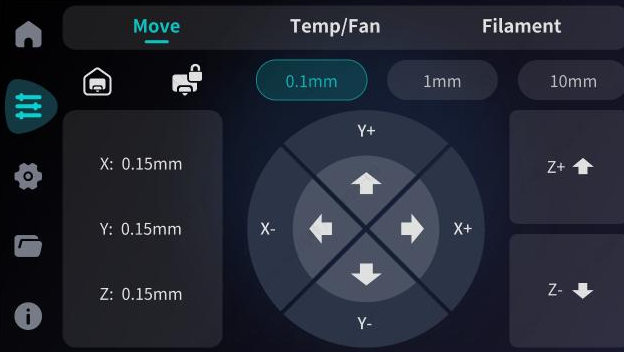
Axis movement includes Home All, Unlock Motors, and manual coordinate movement for the X, Y, and Z axes. Once the motors are unlocked, the effector can be moved manually. For X, Y, and Z axis movement, different step distances can be selected for precise quantitative positioning.
¶ Cooling
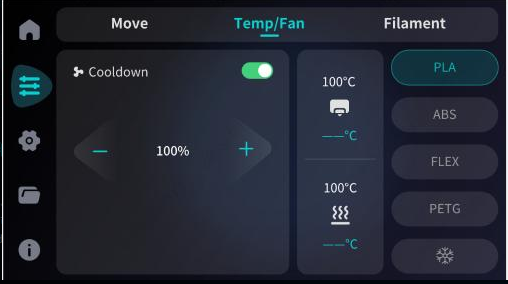
The model cooling fan can be independently turned on or off, and the airflow (fan speed) can be adjusted manually.
¶ Heating
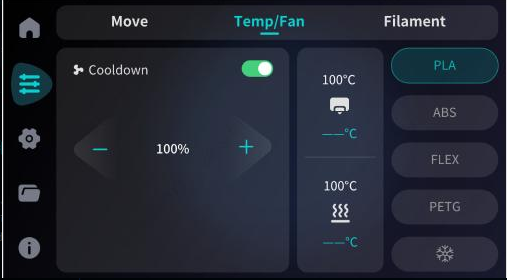
Users can manually heat the nozzle and the heatbed respectively. One-click preheating is also supported. If you wish to stop heating during the process, click "Cool Down" to cancel.
¶ Loading/Unloading Operations
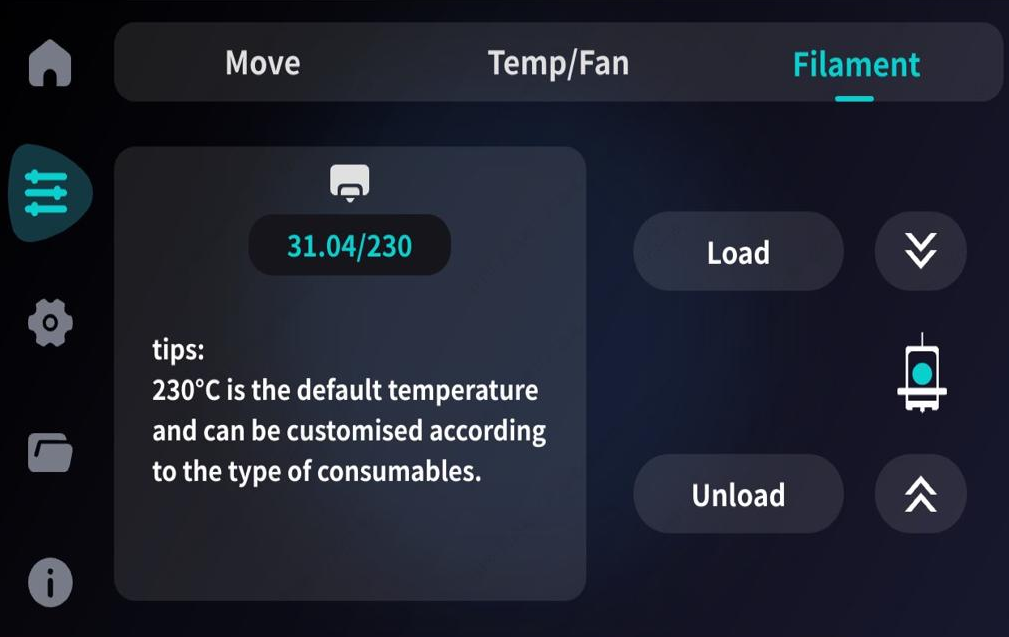
Filament loading and unloading can be controlled directly through the touch screen.
¶ Loading Temperature
The default loading temperature is 230°C and can be adjusted manually. After clicking "Confirm," the device will begin heating and then proceed to load the filament.
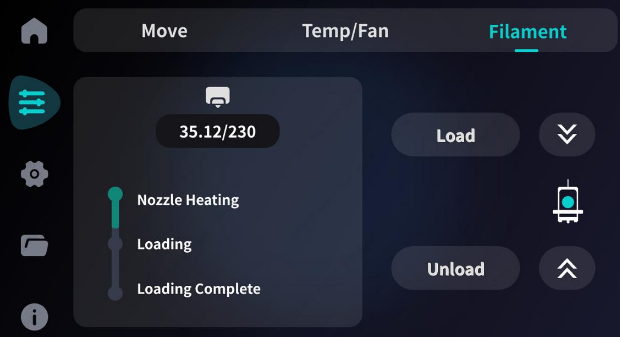
¶ Unloading Temperature
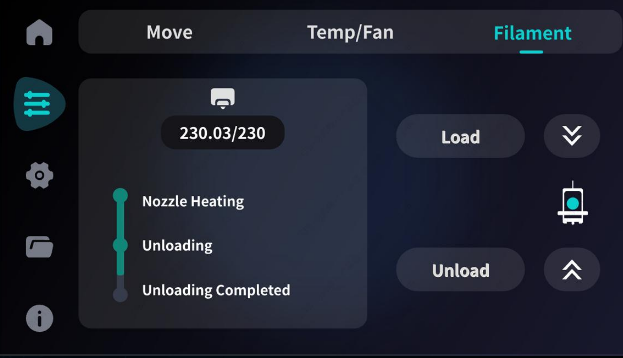
¶ Network Settings
Supports both wired (Ethernet) and wireless (WiFi) network connections. When an Ethernet cable is inserted, the device will connect automatically and display the IP address. After enabling WiFi, the device supports connecting to wireless networks and will simultaneously display the corresponding IP address.
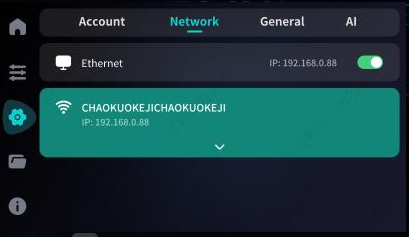
¶ Device Self-Test
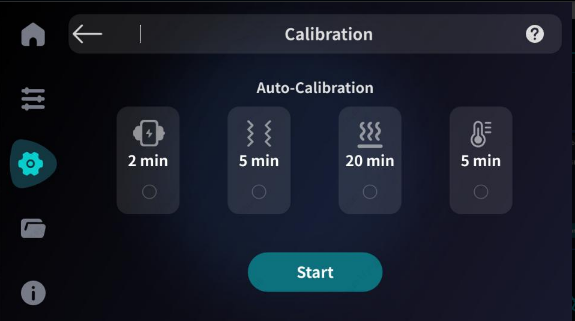
The device supports manually triggering a self-test before printing to ensure all components are functioning correctly. The self-test primarily includes:
- Motor Self-test
- Hotend Heating Test
- Heatbed Heating Test
- Leveling Sensor Test
- Vibration Sensor Test
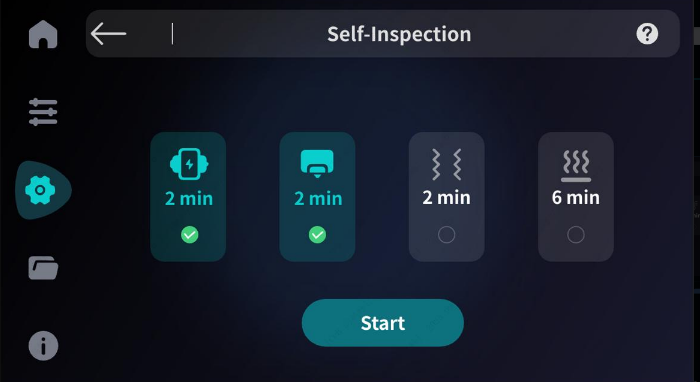
¶ Device Calibration
¶ AI Functions
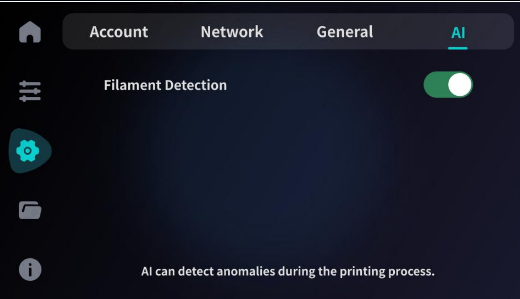
Smart Features: Filament Run-out Detection (Filament Sensor) monitors whether the filament is broken or exhausted. It can detect anomalies during printing and respond accordingly, effectively avoiding print failures caused by material shortage.
¶ Device Printing
¶ Model Selection (Local or USB)
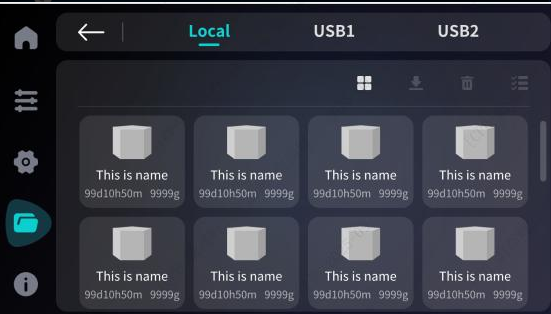
Select the model to be printed from the model list page. If a USB drive is inserted, you can switch to the USB storage page to select files.
¶ Print Confirmation
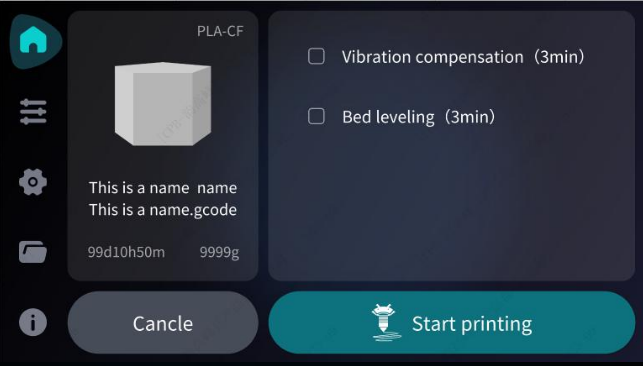
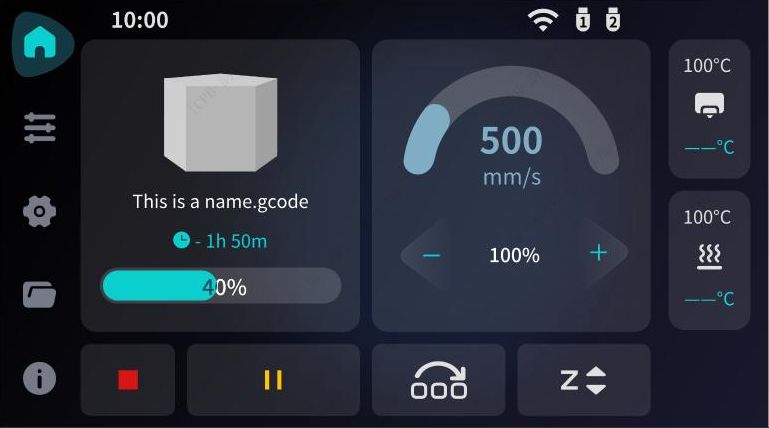
After selecting a model, you can view the estimated print time and estimated material weight. Click "Print" to start or "Back" to return to the model list. Toggle switches for Vibration Compensation (Input Shaping) and Bed Leveling can be enabled/disabled here.
¶ In-Print Operations
Once printing has started, the system supports real-time adjustments for:
- Nozzle/Heatbed printing temperatures
- Printing speed
- Z-axis height (Z-Offset)
- Pause/Resume print
- Cancel print
- Skip Objects (Part skipping)
¶ Device Files
¶ File Browser
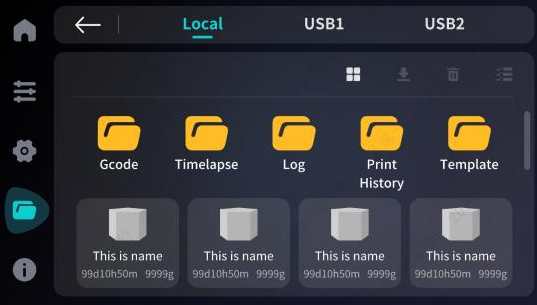
In the file details page, you can access files stored in Local Storage, USB1, and USB2, including G-code files and system logs.
¶ File Management
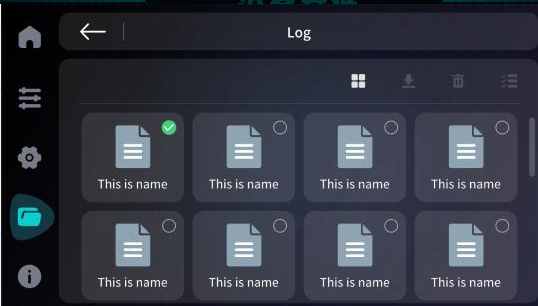
Supports batch management for files within a folder, including batch delete, batch download, and batch upload.
¶ File Download/Upload
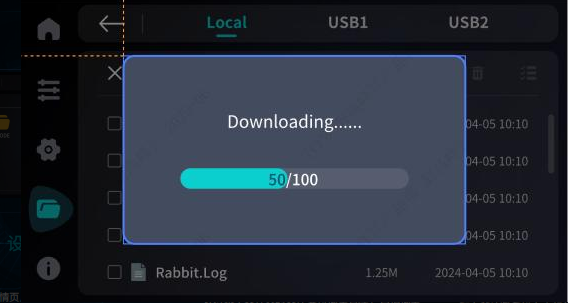
Supports individual or batch file transfers.
- Upload: Refers to transferring files from the USB drive to the printer's local storage.
- Download: Refers to transferring files from the printer's local storage to the USB drive.